
category
Dec 9, 2025
Google Messages Is Finally Fixing Dual-SIM Switch Headaches
Android Headlines
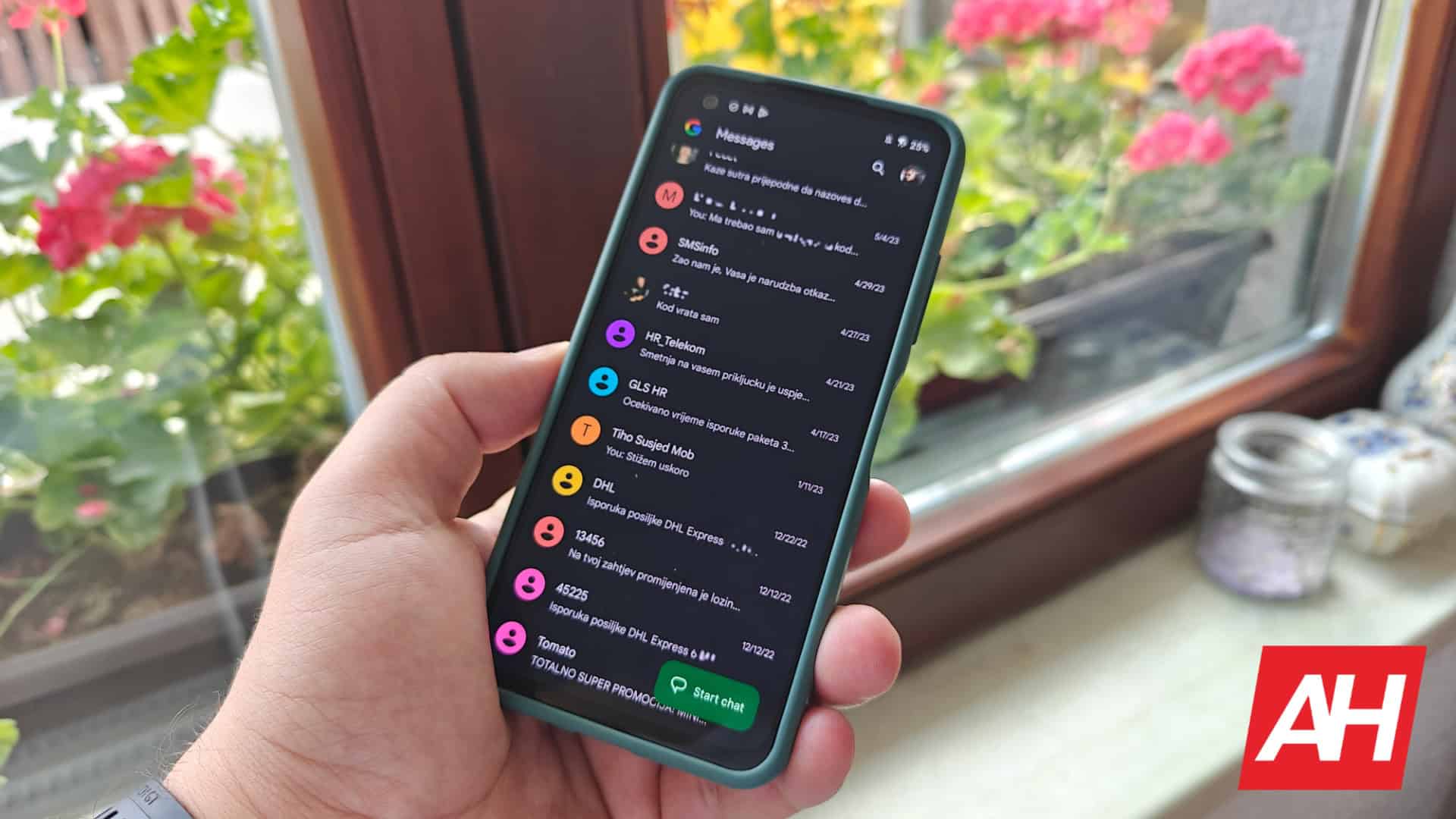
Google Messages is fixing its confusing dual-SIM workflow with a new shortcut. A long-press in the compose box now accesses the SIM picker, saving multiple taps and improving the flow for multi-line users. This course correction makes switching between personal and work lines much less painful.
For many people who rely on two phone numbers -- like a personal line and a work line -- being able to quickly switch SIMs while texting is key. Google Messages had recently complicated this feature more than necessary. After some backlash, the company is changing the process again to make it less annoying. Google Messages is about to get a new long-press shortcut as a fix for making switching between lines while typing a message significantly easier.
This tweak is course-correcting a previous change that added unnecessary friction to the dual-SIM workflow. Google had controversially relocated the SIM selector, burying the option deep inside the contact profile details. This meant that sending a quick text from your secondary line required an annoying multi-step detour: exit the compose box, open the profile details, find the selector, pick the other line, and finally navigate back to your conversation. This was particularly frustrating for those who frequently switch lines.
Now, the Google Messages app is taking corrective action. The latest beta version (v20251121_00_RC01) introduces a small but impactful new gesture designed to put the switch option back where users need it most: near the compose field (spotted by Android Authority).
Users in the beta program can now long-press inside the message compose field to pull up a context menu that includes a new "Switch SIM" option. Tapping this new button skips the manual navigation. It takes the user directly to the SIM picker located in the chat's profile section. The action saves several taps and keeps the user's focus on the message they are drafting. It also helps to avoid errors like accidentally mixing work and person